2.4 vs 5 GHz Wi-Fi: Which network is best for streaming TV?
3 minute readPublished: Wednesday, March 25, 2026 at 8:15 am
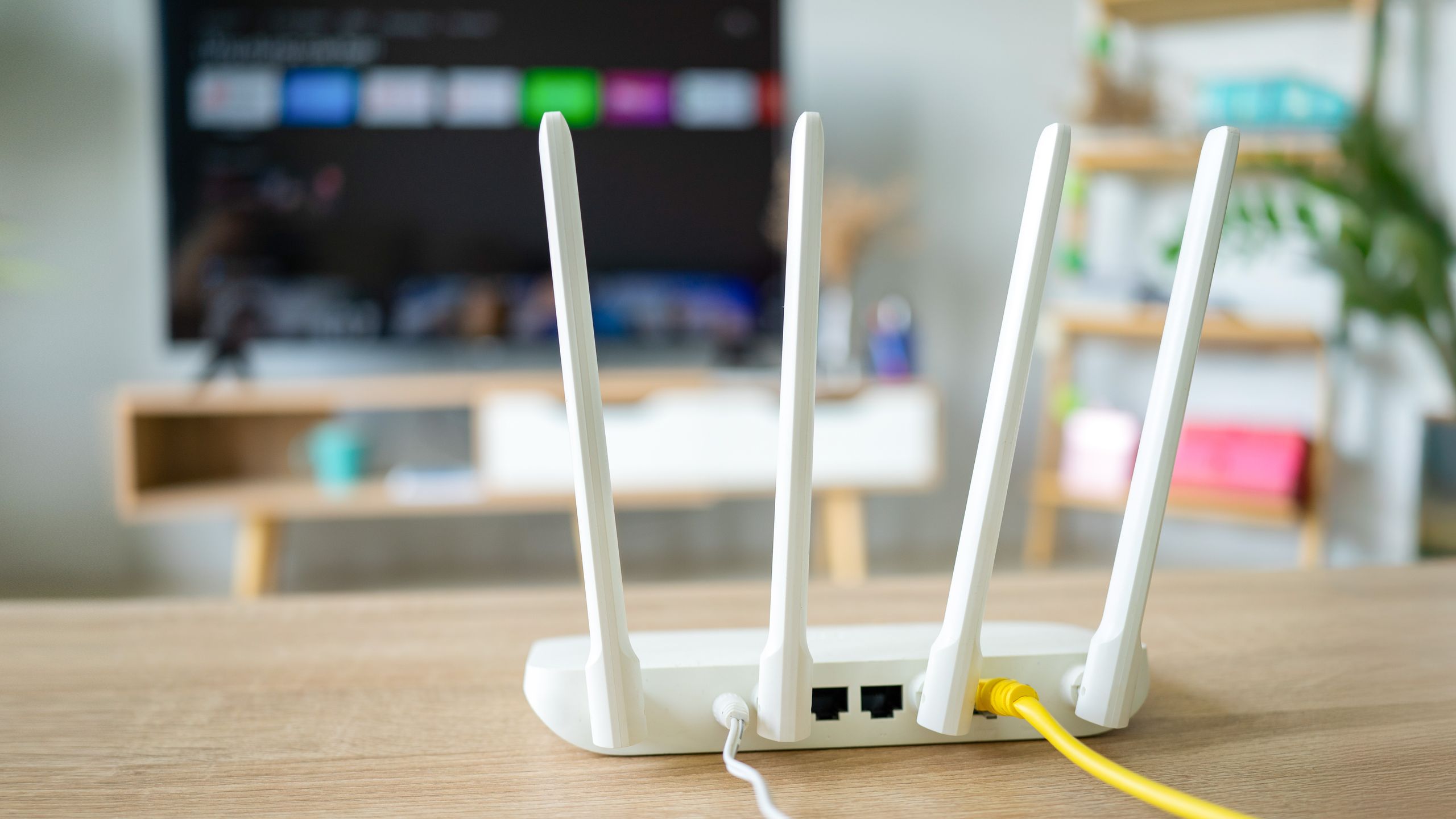
2.4 GHz vs. 5 GHz Wi-Fi: Choosing the Best Network for Streaming
Many modern wireless routers offer a choice between two Wi-Fi frequencies: 2.4 GHz and 5 GHz. These options are often presented when connecting smart TVs or streaming devices to a home network. Understanding the differences between these frequencies can help users optimize their streaming experience and minimize buffering.
The primary distinction lies in their frequency bands. While the higher number of 5 GHz might suggest superiority, both offer advantages and disadvantages. The 2.4 GHz band boasts a wider coverage area and better ability to penetrate obstacles like walls and doors. However, it offers slower speeds and is more susceptible to interference from other devices.
Conversely, the 5 GHz band provides faster speeds and is less prone to interference. However, its coverage area is smaller, and it struggles to pass through solid objects as effectively as 2.4 GHz. The latest Wi-Fi 7 standard introduces Multi-Link Operation (MLO), allowing devices to connect to multiple bands simultaneously for a potentially faster and more reliable connection.
The optimal choice between 2.4 GHz and 5 GHz depends on the user's setup. If the smart TV or streaming device is located far from the router, a 2.4 GHz band is recommended due to its superior range. If the router is close to the streaming device, the faster speeds of a 5 GHz band are preferable. Regardless of the chosen band, both should provide sufficient bandwidth for streaming 4K content. If buffering or slow speeds are encountered, switching to the other band is a viable troubleshooting step.
BNN's Perspective:
The choice between 2.4 GHz and 5 GHz Wi-Fi highlights the trade-offs inherent in modern technology. While 5 GHz offers superior speed, the wider range of 2.4 GHz can be crucial in many home environments. Ultimately, the best choice depends on individual circumstances, emphasizing the importance of understanding these differences to optimize the user experience.
Keywords: Wi-Fi, 2.4 GHz, 5 GHz, streaming, smart TV, router, bandwidth, buffering, network, wireless, coverage, speed, interference, Multi-Link Operation, MLO, Wi-Fi 7